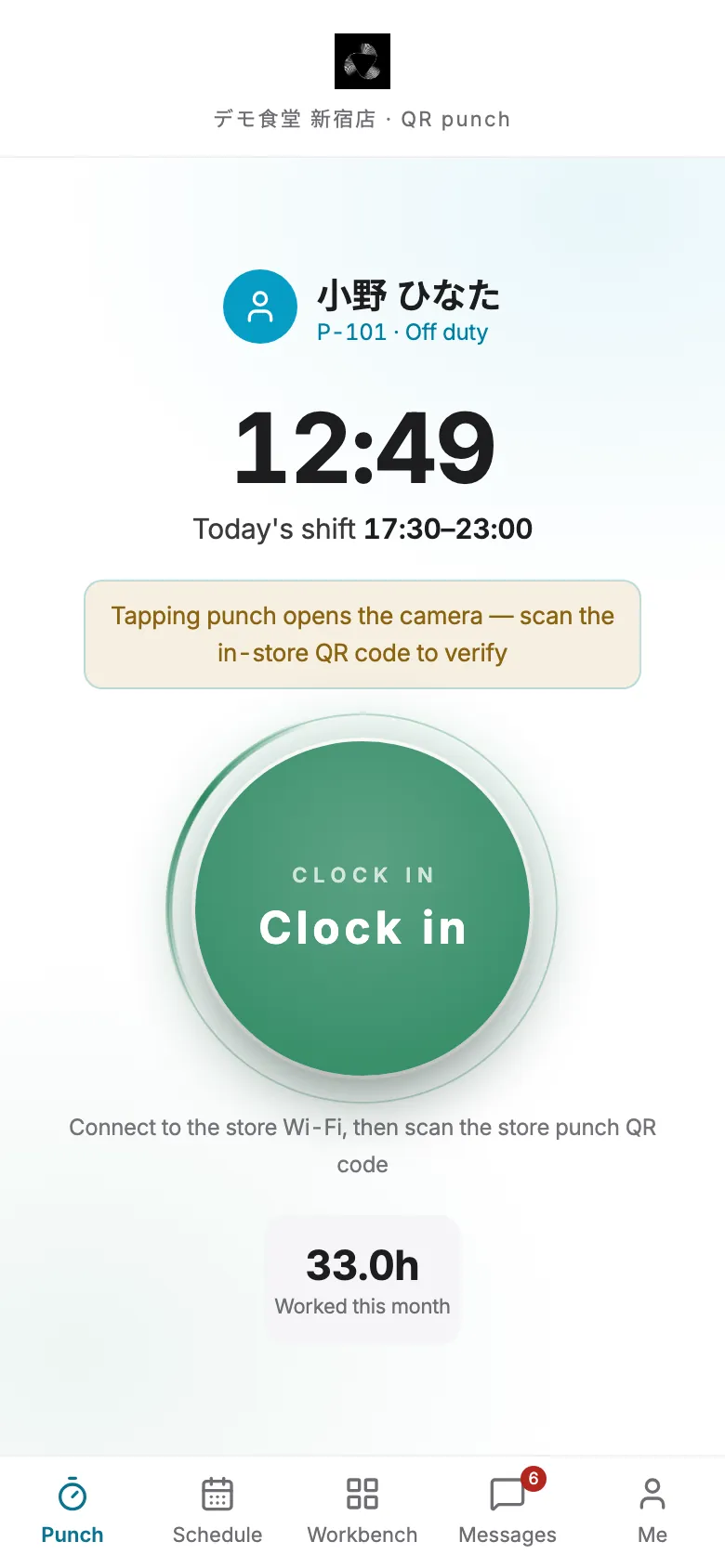
A missed clock-in goes to the manager. A missed clock-out goes to you.
Punch fixes,approved in one tap.
Staff request them in the app. Managers approve on their phone.
12:49
Clocked in
KeyVitalsnow
You haven't clocked out
Your 17:30–23:00 shift has ended.
Punch correction
小野 ひなた · out 23:05
RejectApprove
Approved
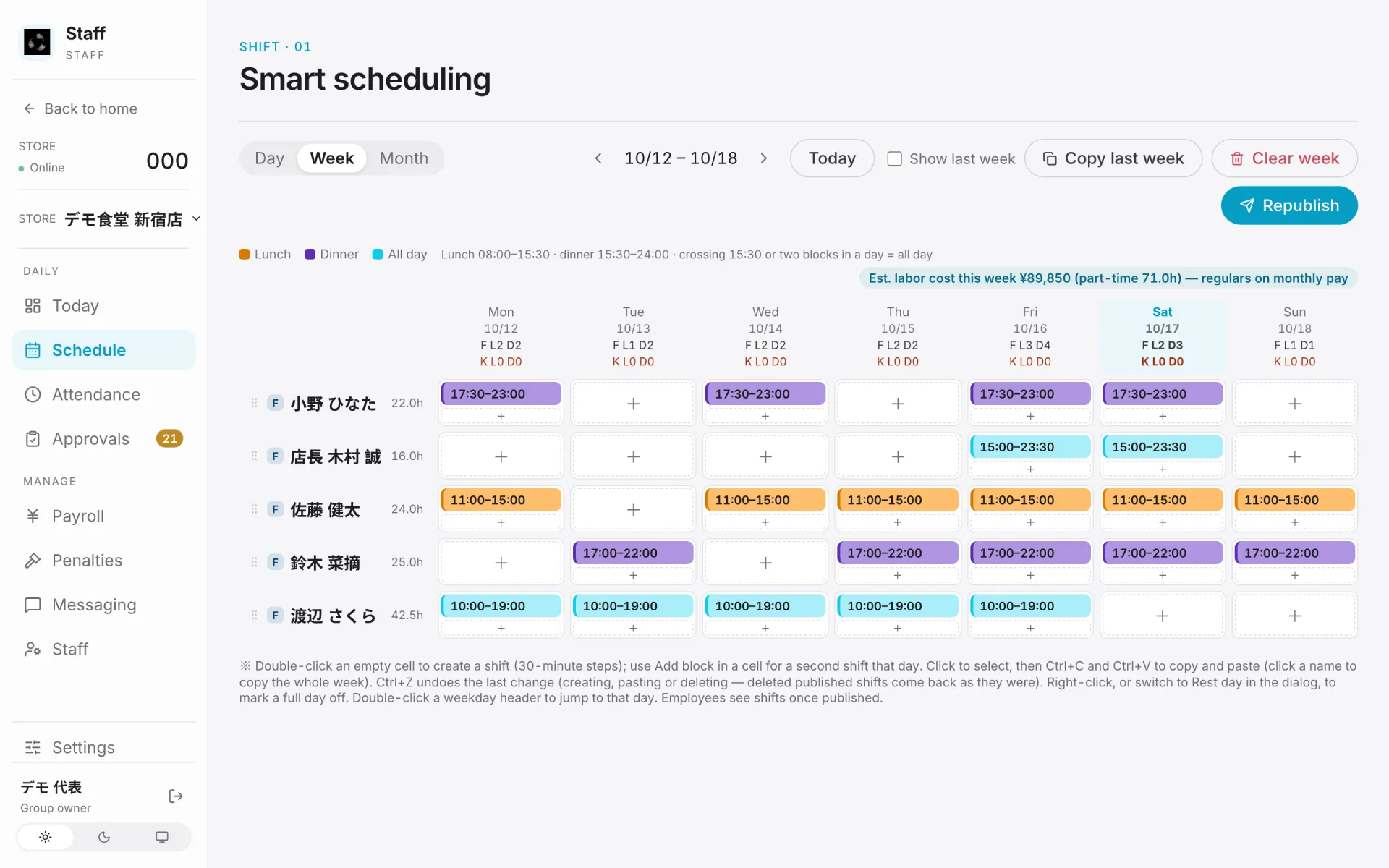
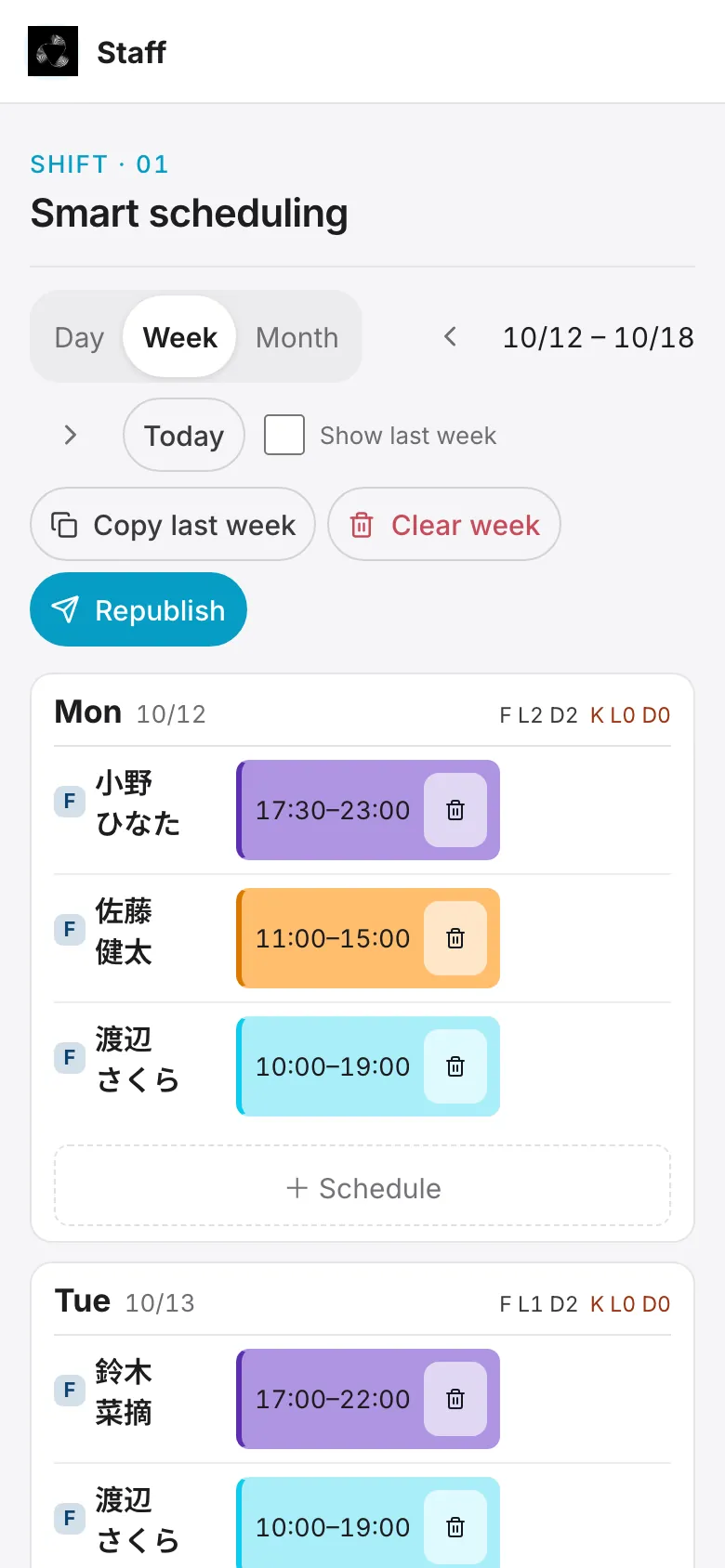
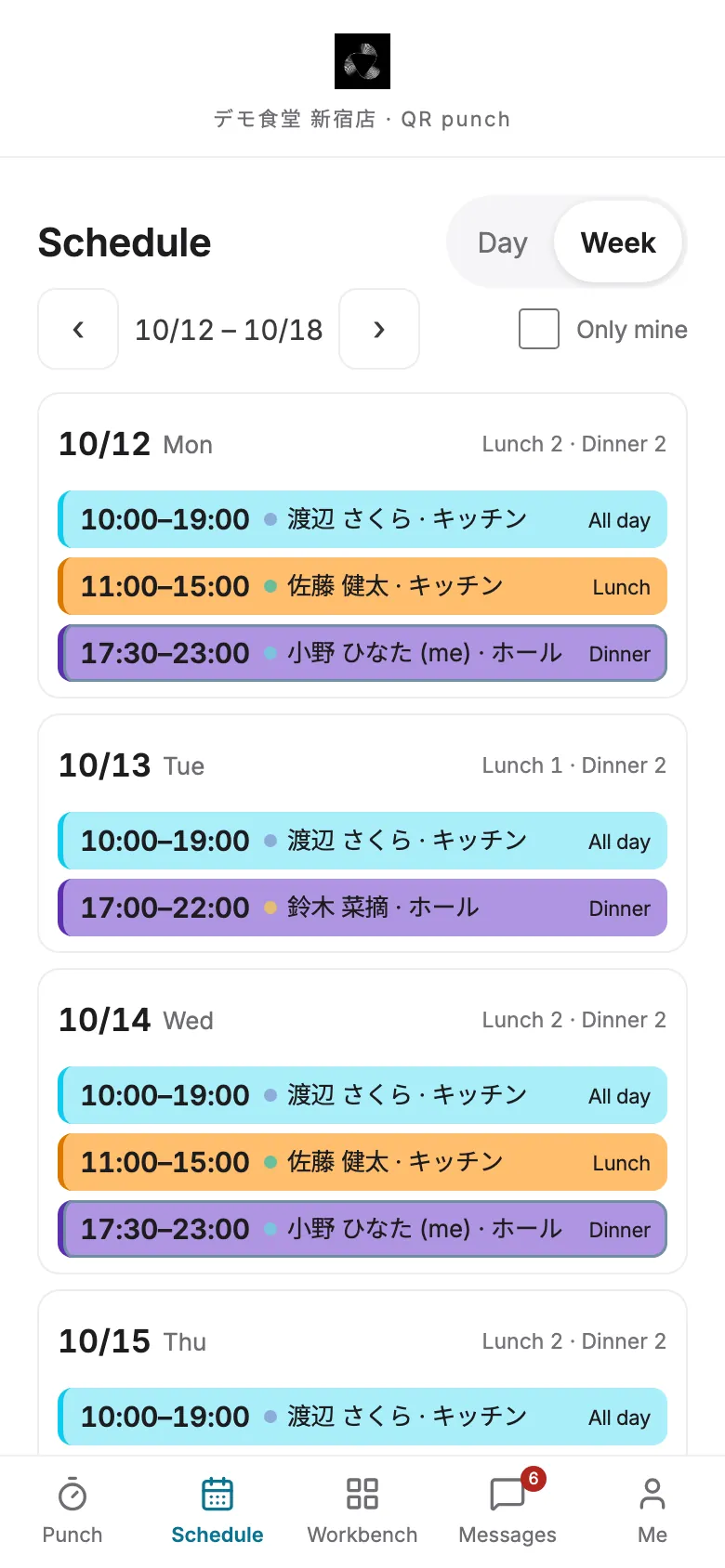
Scheduling
Copy last week.Change a few cells.
Work around staff availability and watch labor cost as you go. Publish when it's ready.
12:49
Copy last week
Availability
Labor estimate
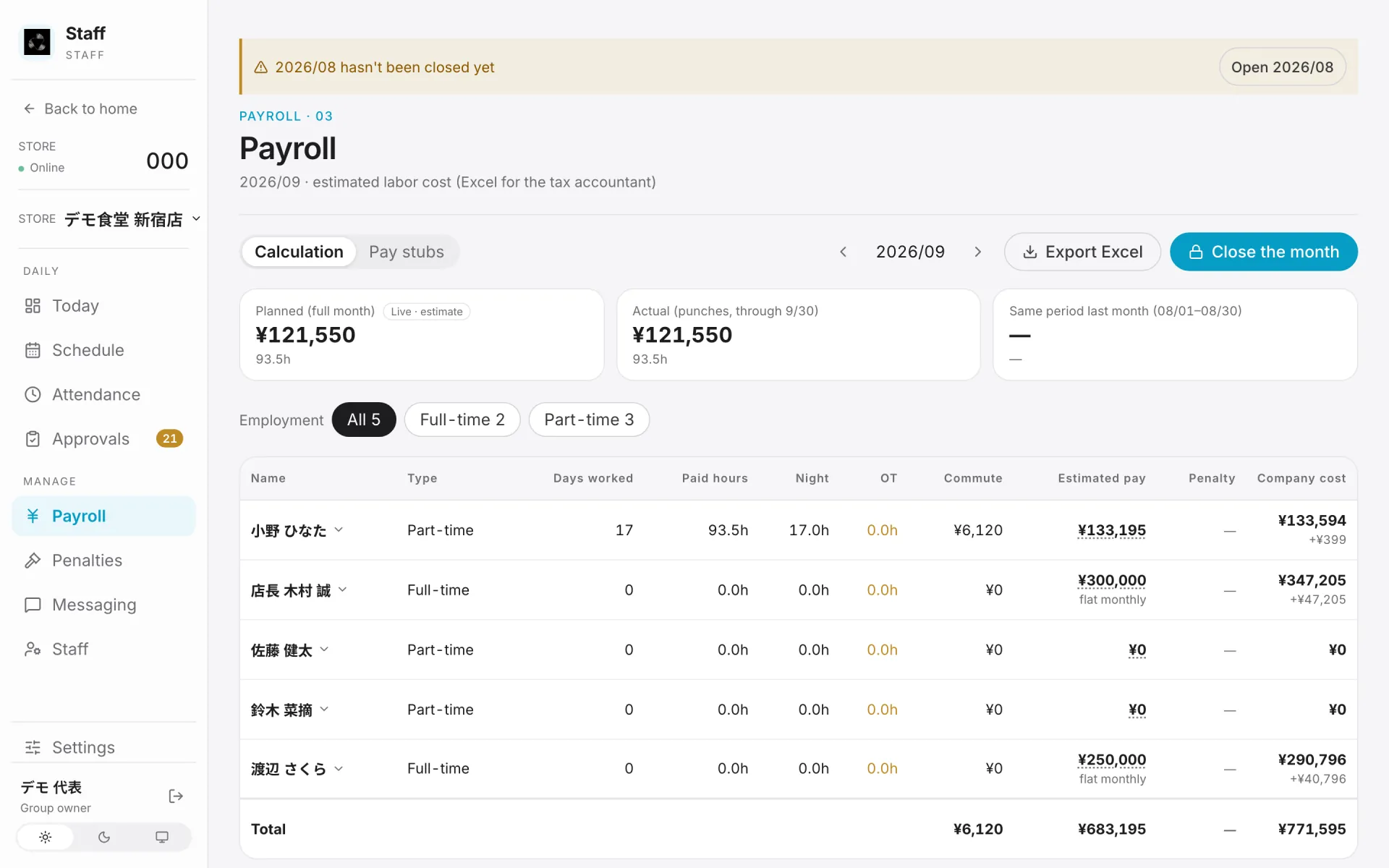
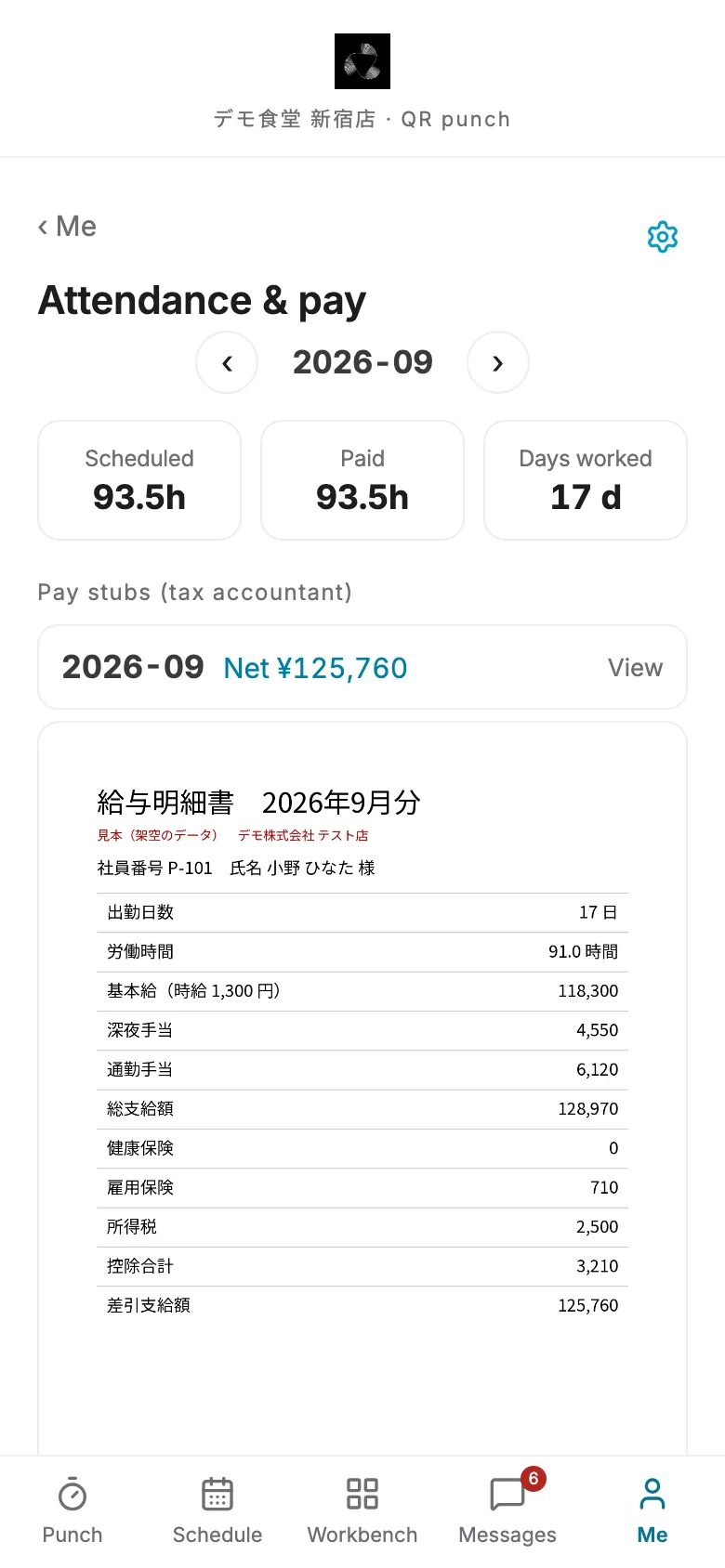
Payroll
Timesheets in.Pay stubs out.
Pay periods, overtime and commuting allowances follow your rules. Staff read theirs in the app.
12:49
Morning brief
Every morning,one page.
Yesterday's sales, guests and labor cost.
Trouble spots,up front.
To check: register ¥1,200 short, unexplained
Labor 34.0%, over the 30% target
Dinner sales: lowest of the last 8 Fridays
Data & AI
A month-end forecast, every morning
We combine your past sales with weather and holidays to forecast where the month will land, and show how far off past forecasts were. Connected reservations count too. It's advice; what you do with it is up to you.
Available now
Month-end sales forecast, with past error
Weather, holidays, seasonal markers and reservations in the daily brief
In progress
Schedule suggestions from traffic forecasts and weather
Why KeyVitals
Less checking. Less redoing.
Time clock, schedule and payroll share one set of data. Get it right at the start and there's nothing to reconcile later.
Paid hours followClockSchedule
Pay period endsMonth-endThe 20th
Features onTime + payrollEverything
Set it up your way
Pay period ending at month-end or the 20th, attendance by punch or by schedule, how overtime counts. Start with time tracking only, if you like.
16:02 pm: no clock-out
2Reminder goes to the employee
3Fix requested in the app, manager approves
Missed punches, flagged on the spot
Forget to clock in and the manager hears about it; forget to clock out and you do. Fixes are requested in the app and approved in one tap.
To check: register ¥1,200 short, no note
Labor 34.0% — over your 30% target
Dinner sales: lowest Friday in 8 weeks
Problems, first thing in the morning
Cash that doesn't add up, labor cost over target, a slow night. It's on the first screen of the morning brief, so nobody has to dig through spreadsheets.
Japanese · Chinese · English
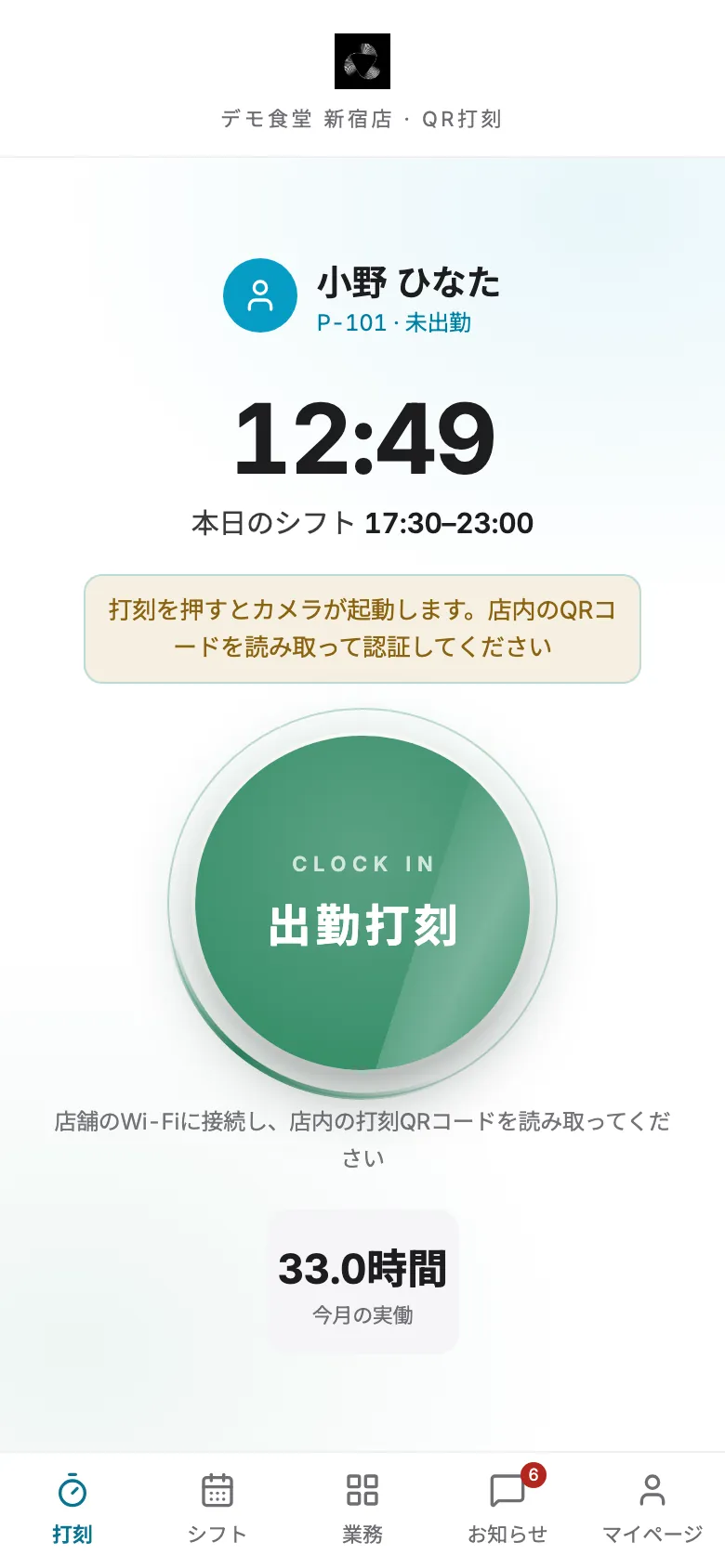
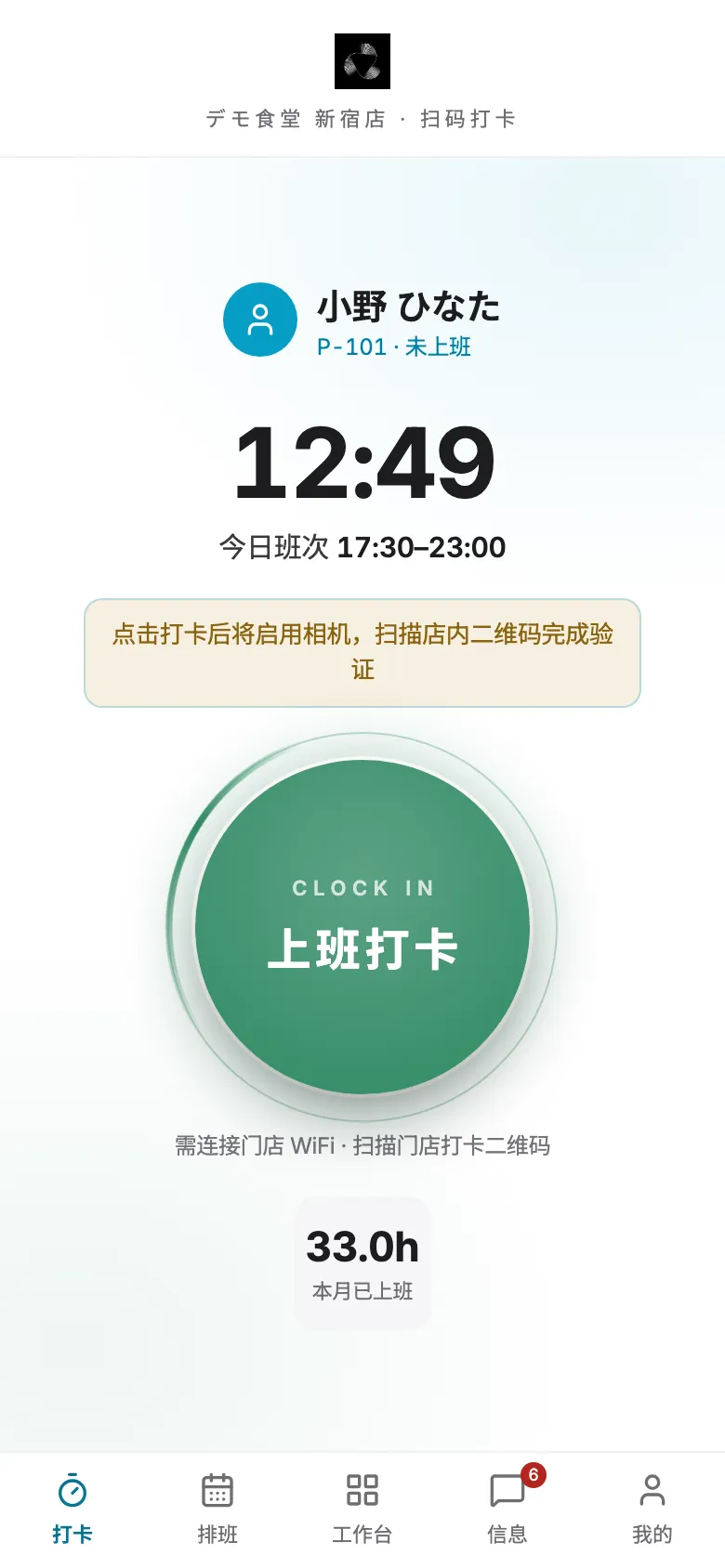
Everyone,in their own language.
Staff and managers each choose, in the app and in the console.
12:49
日本語
12:49
English
12:49
中文
Customer story · Manyu
What the store asks forgoes into the next release.
Manyu is our first customer and has used KeyVitals since July 2026. Here are a few things the team asked for, and what we changed.
I only forgot to clock out. Why do I have to re-enter my clock-in time too?
The punch that really happened stays locked; you only fill in the missing one.
At close, I want to record the tickets that were rung up by mistake.
Added “error tickets” to the register close-out.
Making new staff type a temporary password on first login is a hassle.
First login now just asks for a new password, twice.
On an iPad, the screen is still a narrow phone-sized strip.
Tablets now use the full screen, in portrait and landscape.
No sign-up
Try it now.
A fictional restaurant, Demo Shokudo. Switch between staff, manager and owner. Everything is deleted after 3 hours.
We're based in Tokyo, and we design, build and run KeyVitals ourselves.
Every feature gets used in our first customer's stores before it goes out to others. During setup we configure the rules to match how your store works, in Japanese or Chinese.
Each customer gets its own server. Your data never sits with anyone else's.
The numbers in the brief are reported as they are, problems included.
When a store asks for something we can do, it goes into the next release.
FAQ
How much does it cost?
Pricing depends on the number of stores and the features you use. Get in touch and we'll put together a quote.
Do I need to replace my POS?
No. We already connect to AirREGI sales data; for other POS systems, let's talk.
How long does setup take?
It depends on your size and your rules. If you start with time clock and scheduling, you can be up and running quickly.
Can staff who don't speak Japanese use it?
Yes. Both the app and the back office switch between English, 日本語 and 中文 — per person.
Can I use just some of the features?
Yes. Start with time clock only, or time clock plus payroll — turn on just what you need.
Is our data safe?
Each customer brand runs on its own dedicated server, all traffic is encrypted, and you control who can see what — per person and per feature.
What happens to what I enter in the demo?
Everything in the demo store is fictional and is deleted automatically after a few hours. Please don't enter real personal information.
Sorry, that didn't go through. Please check your message (two links at most) and try again, or email us at hi@keyvitals.ai.
Support
KeyVitals app accounts are issued by your employer (the store). If you forgot your password, changed phones or want your account deleted, please contact your store's administrator first, or email us.